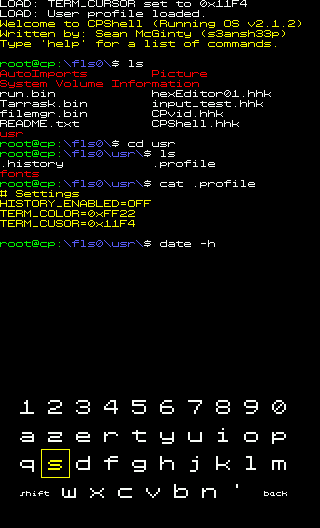
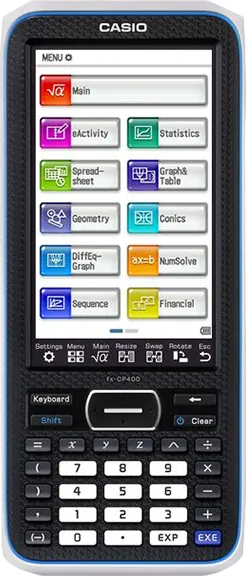
With one launcher, unlock a myriad of possibilities. From games to emulators, explore our ever-expanding library of programs... You can even create your own!
First of all, Welcome! We look forward to you joining the
community.
Before you can run programs on the Classpad, install
the Hollyhock-3 launcher.
Not on Windows or having issues? Join our Discord server for help!
Copy the run.bin file to the root of your calculator's storage. Also copy any hh3 games and python apps you want to run.
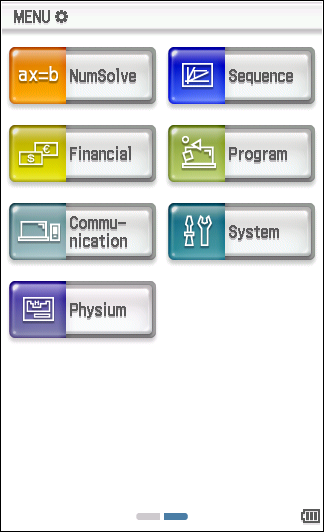
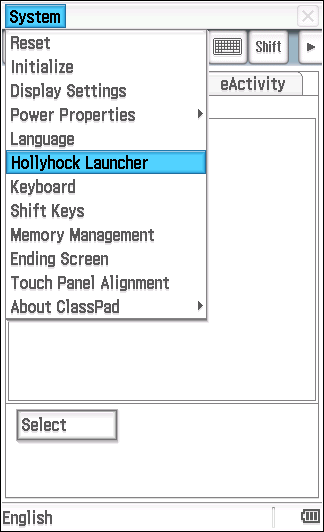
Go to the Main menu, select "System", open top left "System" menu, then "Hollyhock Launcher"
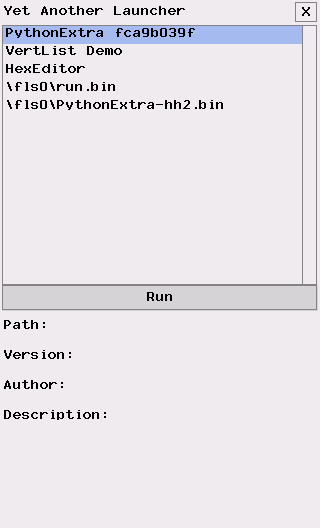
In the launcher, pick the app you want to run from the list and click "Run".
Looking for more? Join our Discord server! Whether you are new to modding / programming or an expert, we are sure you'll find something there that interests you. If you ever need help with installing, running or developing programs, we are here to help!
DISCORDWhite
20.6 × 8.9 × 2.11 cm
315 grams
SuperH 4 (SH7305) processor
64 MB
512 KB
USB Mini-B / 3pin cable (up to 115.2 kilobits/s)
4.8-inch diagonal
320 × 528
TFT LCD
65 536
4 AAA alkaline or nickel-metal hydride batteries
1.0 W - 100 hours in use1
Discover community-made programs and games for Hollyhock-3.
Games written entirely in Python, ready to play natively.